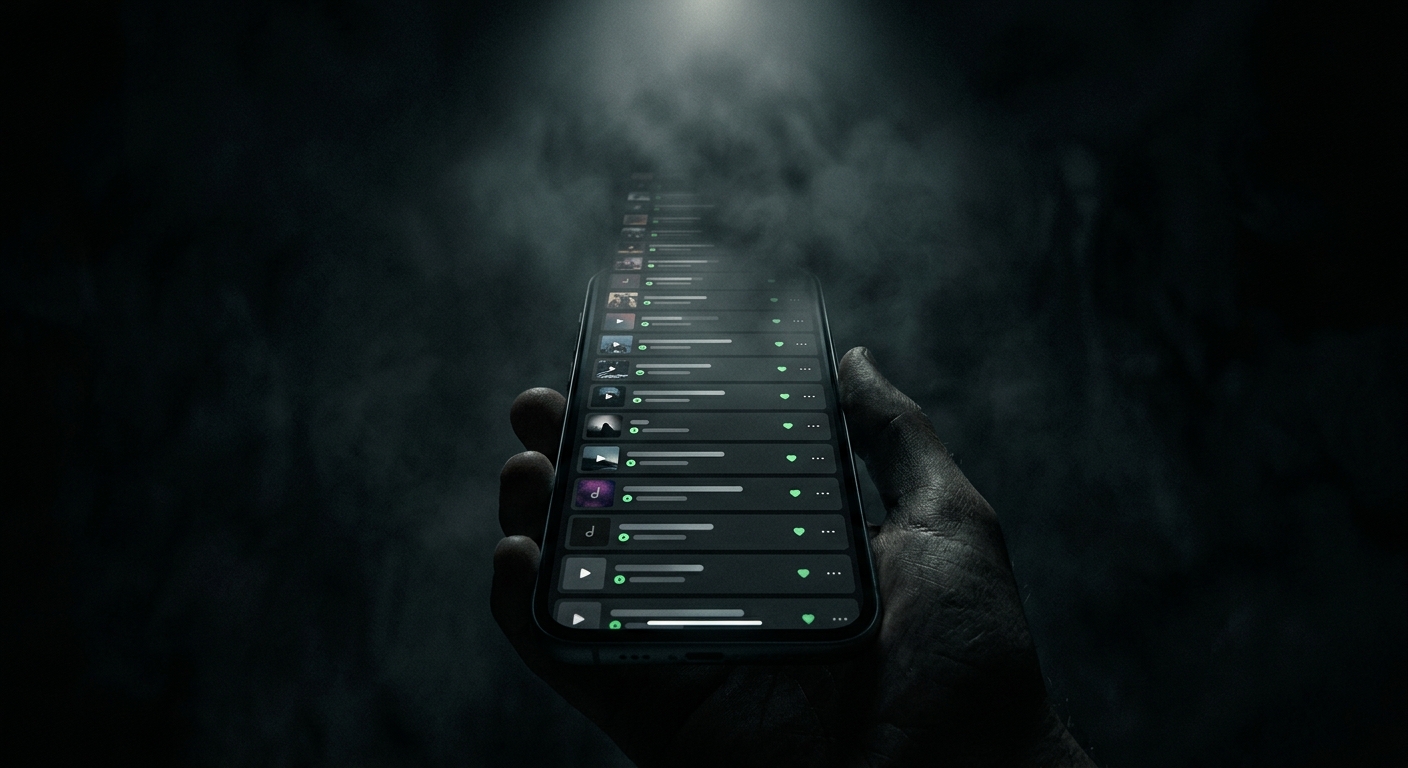
Your YouTube Watch Later Has 500 Videos. You're Never Watching Them.
There’s a number in your YouTube account you try not to think about. It’s in the Watch Later playlist. It might be 50. It might be 500. You added every one of those videos with the best of intentions.
You are not watching most of them.
This isn’t a discipline problem. It’s a design problem — and understanding why the queue breaks down changes how you think about the backlog.
Why Watch Later Always Fails
The queue breaks for a predictable reason: the version of you that saves a video is not the version of you that watches it.
Future-you is tired after work, has 22 minutes before dinner, and doesn’t remember why past-you thought a 90-minute deep-dive on supply chain logistics was urgent. The video made sense in context. Out of context, it’s just a title and a thumbnail that may or may not still feel relevant.
The decision cost of watching is also higher than the decision cost of saving. Saving takes one tap. Watching requires a real commitment of attention. So the queue grows faster than it drains, and over time it becomes less a list of things to watch and more an archaeological record of what interested you at various points in the past year.
The Graveyard vs. the Queue
Most people treat Watch Later like a queue — a set of things that will eventually get watched in order. In practice it functions more like a graveyard: videos are added with intention and then quietly forgotten. The ones that survive long enough to actually get watched are usually only there because the algorithm surfaced the topic again.
Clearing the queue the manual way means watching every video long enough to know if it’s worth watching, which is its own significant time investment. Most people give up, hit “clear all,” feel a mix of relief and guilt, and start the cycle again.
A Different Way to Think About the Backlog
The goal isn’t to watch your Watch Later. The goal is to find the three videos in there that are actually worth your time right now — and feel okay about the rest.
That’s where an AI summary layer changes the math. Instead of committing 90 minutes to find out if a video is what you thought it was, you get the key points in two minutes. Either it delivers what you needed, or you move on without the sunk cost of halfway through.
Run your backlog through that lens and the queue becomes a triage problem instead of a guilt problem. You’re not behind. You’re filtering.
What to Do With the Rest
Skip them. Seriously. Clear the queue, or leave it — but stop letting it sit there as a standing reminder of content you’re “supposed to” watch. The information in most of those videos hasn’t expired in a way that’s relevant to your life.
The one exception: if a video is in your queue because you specifically want to return to it (a tutorial, a talk from someone whose work you follow), those are worth a quick summary to confirm they still apply before you commit.
Everything else is noise you saved on a good day. Let it go.