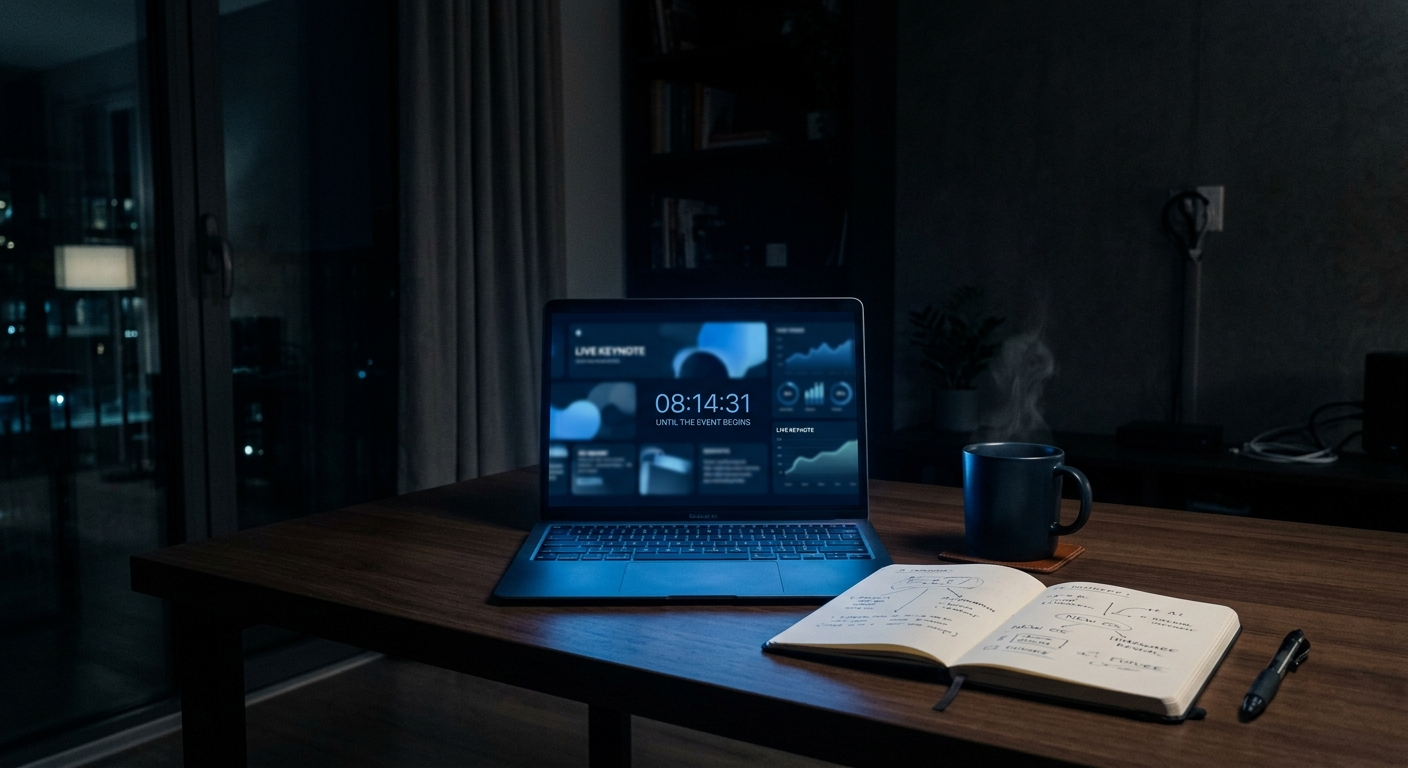
WWDC Drops in 48 Hours. Here's Your Game Plan for Keynote Day Itself.
There’s a lot of “what will Apple announce” coverage right now. That question gets answered in 48 hours. What most people haven’t thought about is how they’re actually going to handle June 8 itself — because Apple drops a lot at once and most of it isn’t worth treating the same way.
Here’s how to approach keynote day without losing your whole afternoon.
What to Watch Live vs. What to Wait For
Watch live if you care about the reaction layer. The keynote is a social event as much as it is an information event. The announcement moments land differently live — the crowd response, the real-time commentary on YouTube and Reddit, the collective processing of what it means. If that context matters to you, watch it live. The keynote starts at 10am PT.
If you’re going to watch it anyway, watch it in one sitting. The worst version of the keynote experience is checking your phone every 15 minutes to see what just got announced, catching fragments, then deciding to “catch the rest later.” You lose the flow. You lose the context. You get the headlines without the story. Either commit to watching it or commit to the recap — don’t do the half-watch.
Wait for the recap on sessions. Apple will post 200+ developer session videos starting Monday. None of those need to be watched the day they drop. The sessions are documentation, not events — they’re better when you have a specific question you’re trying to answer. Watch them when you need them, not because they’re new.
The Keynote Itself: What to Actually Pay Attention To
The first 20 minutes set the tone. Apple’s keynotes are sequenced with intention. Whatever leads — whether it’s AI features, hardware, or platform updates — tells you what they think is most important this cycle and what the narrative will be for the next year. Pay attention to the order.
iOS, macOS, and Apple Intelligence will each get a segment. The segments that are long are the ones Apple is confident about. The segments that feel rushed or end abruptly are the ones where the product isn’t fully there yet. This is worth noticing in real time.
Skip the hardware segments if you’re not buying. New Macs, new iPads, new accessories — unless you’re in the market, these segments are just catalog updates dressed up as events. The software announcements are where the information density is.
The Part Nobody Plans For: The 48 Hours After
The keynote will be 2.5 hours. Then it’s going to spawn 48 hours of takes, explainers, hands-on videos, developer reactions, and follow-up reporting. This is the content flood that actually eats time.
The things worth consuming in the 48 hours after the keynote: hands-on videos from people who actually got hardware (if hardware was announced), developer reaction threads on platforms where developers actually are, the Platform State of the Union if you build apps.
The things not worth your time: opinion videos from creators who are reacting to other creators’ reactions, “Apple is doomed/back/changing” takes that will age poorly by the end of the week, anything that is clearly a 10-minute video about a 2-minute topic.
How AI Recaps Fits Into This
The honest use case for AI Recaps on June 8 is the session layer, not the keynote. The keynote is 2.5 hours and worth watching if you care. The 200+ session videos are where most people lose the thread — there’s too much to watch, the sessions aren’t indexed by what you actually need to know, and the signal-to-noise ratio is high.
AI Recaps handles that layer. Get the keynote live or as a single sitting. Use AI Recaps to stay current on everything that comes after without spending the next two weeks in session videos.
WWDC is Monday. Have a plan.